Dydxswap uses order books for perpetual trading on dYdX Chain
Dydxswap provides an order-book interface for trading perpetual contracts on dYdX Chain. Traders choose a market, direction, order type, and leverage, then monitor orders alongside their positions. Market orders seek immediate execution against available liquidity. Limit orders set an acceptable price, while stop and take-profit orders add conditional exits. These controls serve different purposes: choosing an order's trigger or limit doesn't establish its eventual fill price, filled size, or effect on an existing position.
A triggered limit exit can remain unfilled when no matching order satisfies its price constraint.
Front-end access and the v4 network
The v4 trading interface connects to dYdX Chain and supplies market controls and account views.
Provider and software
dYdX Operations Services Ltd. provides the front end associated with this interface. It doesn't run dYdX Chain validators or control the network. The documented access choices include using a front-end provider or deploying a front end from the open-source software. Both choices access dYdX Chain. A provider's available controls and service terms apply to its front end.
Availability conditions
Access also depends on the provider's service terms. Certain products or services may be unavailable to people or entities that reside in, are located in, are incorporated in, or have registered offices in the United States, Canada, or another restricted jurisdiction.
How do market and limit orders use the order book?
Market orders seek immediate fills from available liquidity; limit orders execute only at the specified price or better. A buy limit accepts its limit price or lower, and a sell limit accepts its limit price or higher. Both depend on matching orders on the other side of the book.
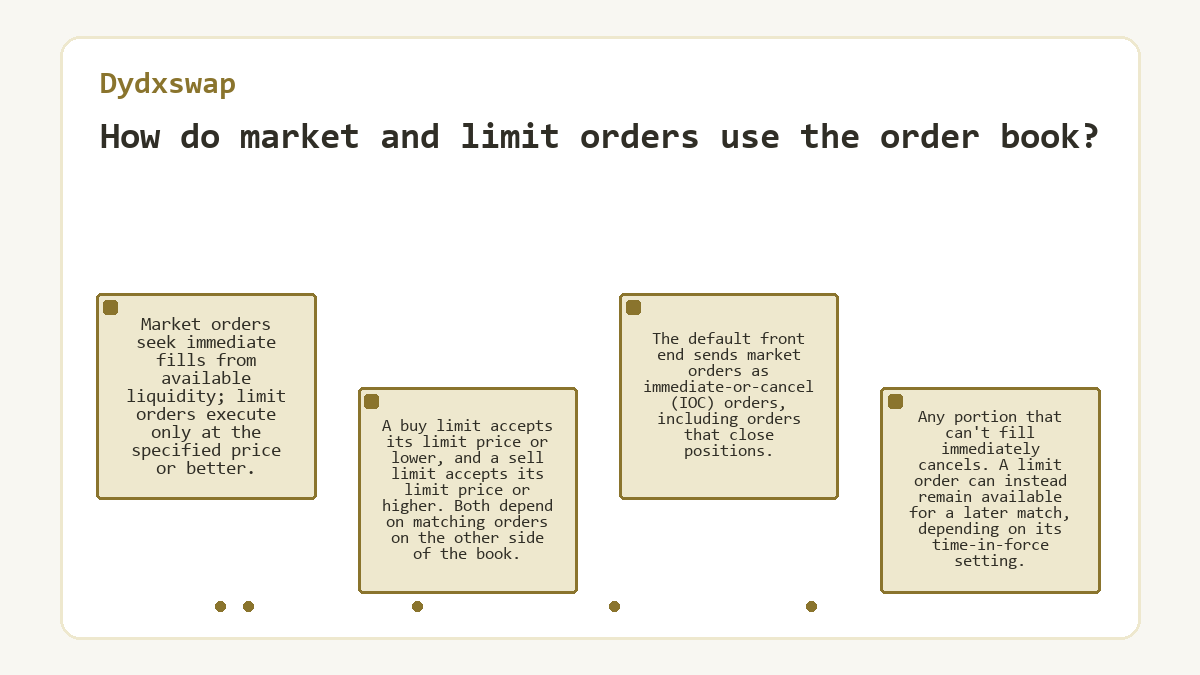
The default front end sends market orders as immediate-or-cancel (IOC) orders, including orders that close positions. Any portion that can't fill immediately cancels. A limit order can instead remain available for a later match, depending on its time-in-force setting.
Six order types and an additional post-only setting
The v4 defaults support six order types. Post-only adds an execution restriction to a limit order within that set.
| Order or setting | Trading purpose | Execution constraint |
|---|---|---|
| Market | Seek immediate execution | Default IOC handling cancels any unfilled remainder. |
| Limit | Set an acceptable execution price | Buy at the limit or lower; sell at the limit or higher. |
| Stop market | Trigger an exit after an adverse price move | A trigger initiates market execution; it doesn't fix the fill price. |
| Stop limit | Combine a stop trigger with a limit price | The resulting limit order may remain on the book. |
| Take-profit market | Trigger a market exit at a profit target | Available liquidity affects the execution price. |
| Take-profit limit | Combine a profit target with a limit price | Activation changes the order to open; filling still requires a match. |
| Limit with post-only | Keep a limit order from taking liquidity | The order cancels if any part would match immediately. |
| For limit orders, expiry and IOC settings govern persistence separately from the price limit. | ||
When does a conditional exit actually close a position?
A conditional exit closes exposure only to the extent that its resulting order fills. Reaching the trigger activates an order, and the order's execution rules then govern matching.
The price that activates the order
Stop exits respond to adverse moves: falling prices for a long position and rising prices for a short. Take-profit triggers sit above the current price for longs and below it for shorts. The trigger can respond to the oracle price or the last traded price. For last-trade triggers, the last traded price from a confirmed block is bounded relative to the oracle price. This limits triggers from trades that diverge sharply from the oracle.
The order that follows the trigger
A market exit seeks execution at available order-book prices, so its trigger isn't a promised fill price. A triggered stop-limit order may fill immediately or rest on the book at its limit price. Take-profit limit orders likewise become open limit orders after activation. Their price restriction remains in force even when the profit target has been reached. An open limit exit can therefore leave some or all of the position exposed.
Expiry settings vary with the order type
Good-til-date keeps a limit order active until its specified expiry, unless it fills or is canceled earlier. The dYdX Chain v4 defaults described on April 23, 2026 give limit orders a changeable 28-day expiry. An order waiting on the book can expire without producing a fill.
Advanced stop-limit and take-profit limit controls include good-til-date, immediate-or-cancel, and post-only choices. Stop-market and take-profit market orders expose a good-til-time control. The documented default good-til-date option doesn't apply to those market variants.
The trading screen separates prices, positions, and order records
The trading screen combines market information with controls for direction, order type, leverage type, and leverage. Higher leverage increases exposure relative to margin and amplifies both gains and losses. It also increases liquidation risk.
Historical prices and available liquidity
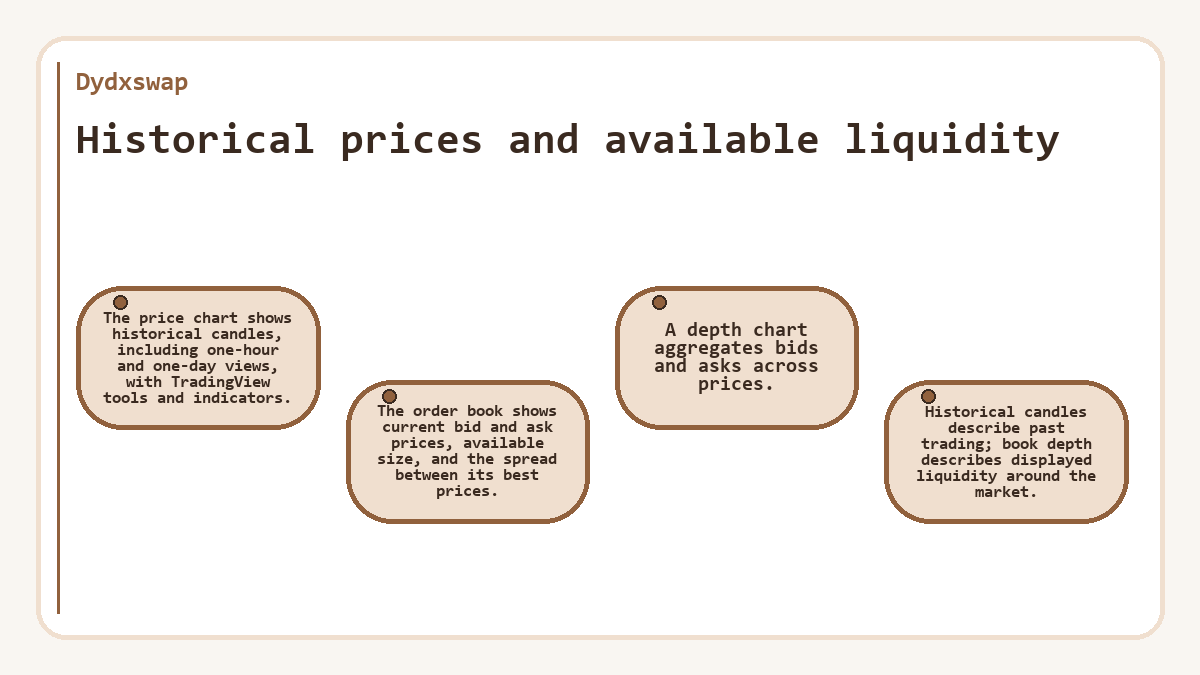
The price chart shows historical candles, including one-hour and one-day views, with TradingView tools and indicators. The order book shows current bid and ask prices, available size, and the spread between its best prices. A depth chart aggregates bids and asks across prices. Historical candles describe past trading; book depth describes displayed liquidity around the market.
Open positions and order history
Alongside open-position data, the positions and balances panel displays funding and equity statistics. Open Orders identifies limit orders that haven't executed. Filled Orders records past executions, and History provides a more detailed view of previous orders. A filled order can open or change exposure, so the positions panel remains relevant after execution.
Dydxswap FAQ
Does Dydxswap's amount field show the final position size?
Amount specifies the trade size, meaning the change to a position when that amount fills. It isn't the resulting total position size. The position's existing direction and size also matter.
Can a single position have more than one stop order?
The documented dYdX Chain v4 configuration permits multiple stop orders for the same position. Each order remains subject to its own trigger and execution conditions.
Where can I find the depth chart?
Selecting the depth chart in the upper-right corner of the price chart makes it visible. It represents cumulative bids, asks, and prices, giving a view of order-book liquidity across price levels.
Are post-only orders necessarily free to trade?
Post-only ensures maker treatment if the order executes; it doesn't by itself mean that trading is free. The policy controls whether an order takes liquidity.
What slippage limits does the v4 documentation give for conditional market exits?
The April 23, 2026 description of the v4 defaults lists 10% maximum slippage for stop-market orders across markets. It also gives take-profit market orders a default 10% maximum across markets. Those percentages concern the market-exit variants, while conditional limit orders retain their specified limit-price constraint.
Updated on